Download
Download a zipped BAS file with VBA code.
You can import this into Word.
You can also put
BookmarkDoc_GotoStart_s4p
into another application such as Access or Excel,
and customize the test procedure to use
whatever document and bookmark you want.
Extract and save BAS file from the Zip file AFTER
unblocking the zip file to to remove Mark of the Web if necessary.
Steps:
https://msaccessgurus.com/MOTW_Unblock.htm
License
This may be used freely, but you may not sell it in whole or in part.
You may include it in applications you develop for others provided you keep attribution, mark your modifications, and share this source link.
VBA
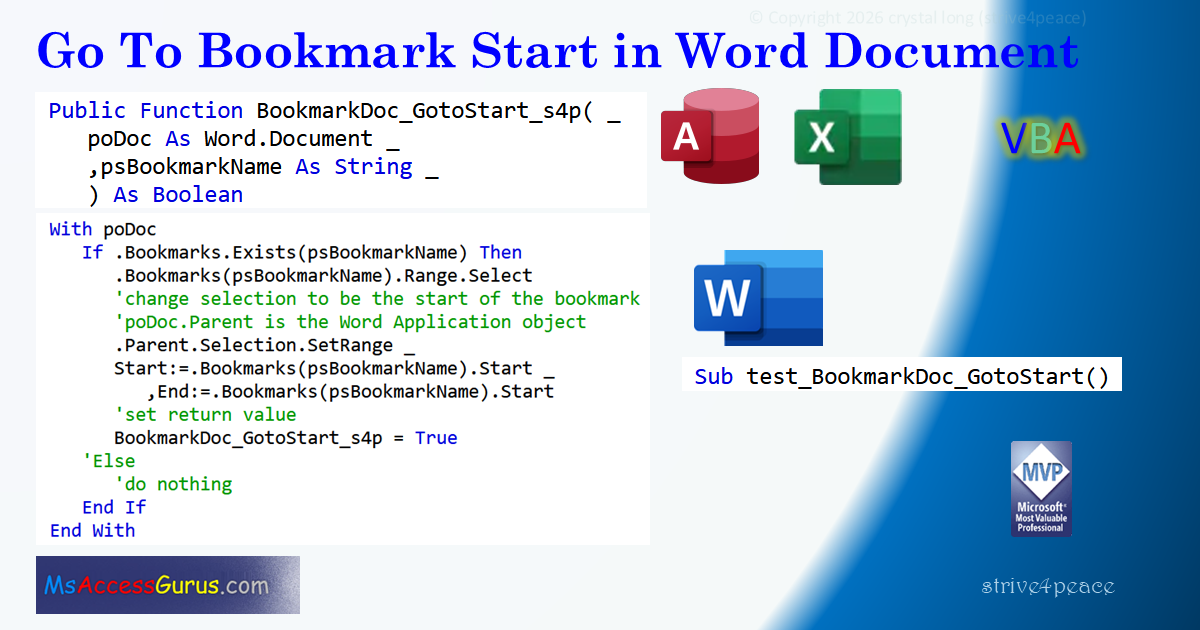
Go to the start of a bookmark in any open Word document.
Main procedure is
BookmarkDoc_GotoStart_s4p
which can run from any application such as Access or Excel,
and Word too, of course.
This goes to the start of a bookmark so you can read
and see images from there.
module: mod_Word_Bookmark_GotoStart_s4p
Option Explicit
Option Compare Text  'Word 'upper and lower case same for comparing

'*************** Code Start *****************************************************
' module name: mod_Word_Bookmark_GotoStart_s4p
'-------------------------------------------------------------------------------
' Purpose  : VBA to go to the Start of a Bookmark
'              in a Word document
' Author   : crystal (strive4peace)
' Code List: https://msaccessgurus.com/code.htm
' This code: https://msaccessgurus.com/tool/Word_Bookmark_GotoStart.htm
' LICENSE  :
'   You may freely use and share this code, but not sell it.
'   Keep attribution. Mark your changes. Use at your own risk.
'-------------------------------------------------------------------------------
'  PROCEDURES
'     test_BookmarkDoc_GotoStart -- customize and Run
'        Run from Word -- test BookmarkDoc_GotoStart_s4p
'        or customize to run from somewhere else
'
'     BookmarkDoc_GotoStart_s4p
'        Run from anywhere
'        Parameters for document object and bookmark name
'        Returns True or False if bookmark name is found
'        Ensures that the bookmark name exists
'           before attempting to go there
'-------------------------------------------------------------------------------
'-------------------------------------------------------------------------------
'                       test_BookmarkDoc_GotoStart
'-------------------------------------------------------------------------------
Sub test_BookmarkDoc_GotoStart()
'260426,28 s4p
'  run from Word or customize to run from somewhere else
'  define parameters for and test BookmarkDoc_GotoStart_s4p

   On Error GoTo Proc_Err

   Dim oDoc As Word.Document  'Object    'for late-binding
   Dim sBookmarkName As String

   '-------------------------- customize
   sBookmarkName =  "YourBookmarkName"

   Set oDoc = ActiveDocument
   '--------------------------

   'call code to go to start of bookmark
   If BookmarkDoc_GotoStart_s4p(ActiveDocument,sBookmarkName) _
   Then
      MsgBox  "at start of " & sBookmarkName _
      &  " bookmark in active document" _
      ,, "Done"
   Else
      MsgBox  "Couldn't find bookmark name: " _
      & vbCrLf & sBookmarkName _
      & vbCrLf & vbCrLf &  " in " & oDoc.Name _
      ,vbCritical _
      , "Tried"
   End If

Proc_Exit:
   Set oDoc = Nothing
   Exit Sub

Proc_Err:
   MsgBox Err.Description,, _
     "ERROR " & Err.Number _
     &  "   test_BookmarkDoc_GotoStart"

   Resume Proc_Exit
   Resume

End Sub
'-------------------------------------------------------------------------------
'                       BookmarkDoc_GotoStart_s4p
'-------------------------------------------------------------------------------
'  poDoc As Word.Document 'for early binding
Public Function BookmarkDoc_GotoStart_s4p( _
   poDoc As Object _
   ,psBookmarkName As String _
   ) As Boolean
'260426,27,28 s4p Word Bookmark Select, SetRange to Start
'run from anywhere -- poDoc must be open in Word
'go to Start of specified psBookmarkName in poDoc

   'PARAMETERS
   '  poDoc is the Word document object
   '  psBookmarkName is the name of the bookmark
   '                 to go to the start of
   '     if name doesn't exist, nothing happens
   'RETURN
   '  True if bookmark exists (psBookmarkName in poDoc)
   '  False if bookmark not found
   On Error GoTo Proc_Err

   'initialize return value
   BookmarkDoc_GotoStart_s4p = False

   With poDoc
      If .Bookmarks.Exists(psBookmarkName) Then
         .Bookmarks(psBookmarkName).Range.Select
         'change selection to be the start of the bookmark
         'poDoc.Parent is the Word Application object
         .Parent.Selection.SetRange _
         Start:=.Bookmarks(psBookmarkName).Start _
            ,End:=.Bookmarks(psBookmarkName).Start
         'set return value
         BookmarkDoc_GotoStart_s4p = True
      'Else
         'do nothing
      End If
   End With

Proc_Exit:
   Exit Function

Proc_Err:
   MsgBox Err.Description,, _
     "ERROR " & Err.Number _
     &  "   BookmarkDoc_GotoStart"

   Resume Proc_Exit
   Resume
End Function
'*************** Code End *******************************************************
Code was generated with colors using the free
Color Code add-in for Access
Goto Top
Back Story
Someone on a forum wanted to know how to go to a bookmark
in a Word document without selecting the contents,
to show help
to users
for an Access application
(also could be Excel or something else),
so I wrote this.
This code assumes that the Word document is already open.
You can use the test procedure so that if it is not,
you can open it.
With Word's ability to organize content,
this is actually quite a good way to go to a place
in user documentation.
~ crystal (strive4peace)